> ## Documentation Index
> Fetch the complete documentation index at: https://docs.kits.ai/llms.txt
> Use this file to discover all available pages before exploring further.
# Step 2: Create your voice
> Instructions for creating your voice model.
## If you already have a voice model trained...
You can [go to the next step!](/earn/submit-your-voice)
## If you have yet to create a voice...
Follow these instructions to train your first voice to be able to start earning passive income.
Only trained voices of your voice are eligible. Merged voices cannot be submitted for
verification.
Voice model creation is currently limited to our premium tier users.
To create a voice to submit, go to Kits AI’s [voice creation page](https://www.app.kits.ai/voices) and select **Clone a voice**.
 We have put together a number of guides to help you create the best model possible. You can:
* Follow the guide on screen (pictured below), and [at this link](https://www.app.kits.ai/voices/train)
We have put together a number of guides to help you create the best model possible. You can:
* Follow the guide on screen (pictured below), and [at this link](https://www.app.kits.ai/voices/train)
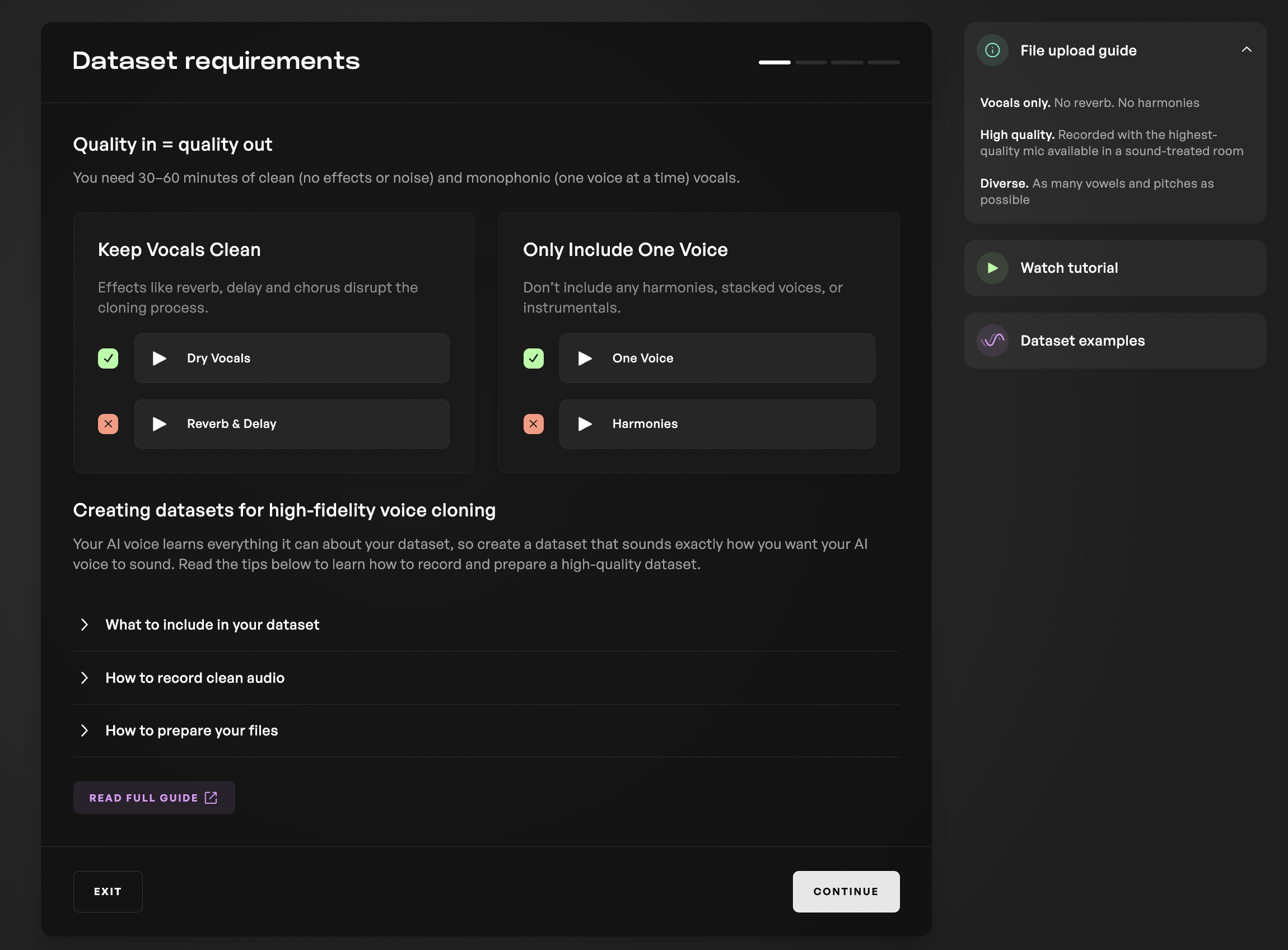 * Refer to our [written guide](https://www.kits.ai/blog/voice-model-creation-guide) for best practices; or
* Check out our [full documentation](https://docs.kits.ai/train/high-quality-datasets) for creating the best datasets possible.
After completing the training steps and pressing Train, your model will begin training and complete in accordance with time estimate on your progress bar.
{' '}
* Refer to our [written guide](https://www.kits.ai/blog/voice-model-creation-guide) for best practices; or
* Check out our [full documentation](https://docs.kits.ai/train/high-quality-datasets) for creating the best datasets possible.
After completing the training steps and pressing Train, your model will begin training and complete in accordance with time estimate on your progress bar.
{' '}
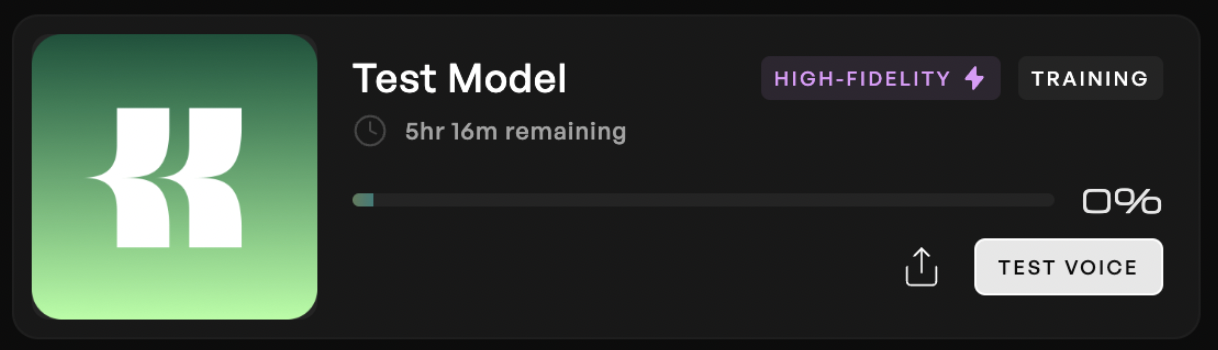 When finished, test your model out by pressing "Use Voice" and evaluate the model quality. If you are pleased, proceed to the [next step.](/earn/submit-your-voice)